为什么数据文档很重要
数据文档让研究资料更容易被找到、理解和重复使用。这一页围绕 FAIR 原则组织内容,强调元数据本身就是研究记录的一部分,而不是最后补上的附件。
关键概念FAIR:可发现、可访问、可互操作、可重用

Upload a PDF or PPTX. See each original slide beside an editable explanation in the language you understand best.
Upload your slidesEvery explanation stays attached to the page it describes, so you can compare the source and the explanation directly.
Open slide: Coffee Lecture Slides: Datendokumentation, Roman Gerlach, Annett Schröter and Kevin Lang (2021), CC0 1.0. The authors and institutions do not endorse UnderSlide.
UnderSlide keeps the original page visible while it explains the relationships, visuals, formulas, and terminology that make the page difficult.
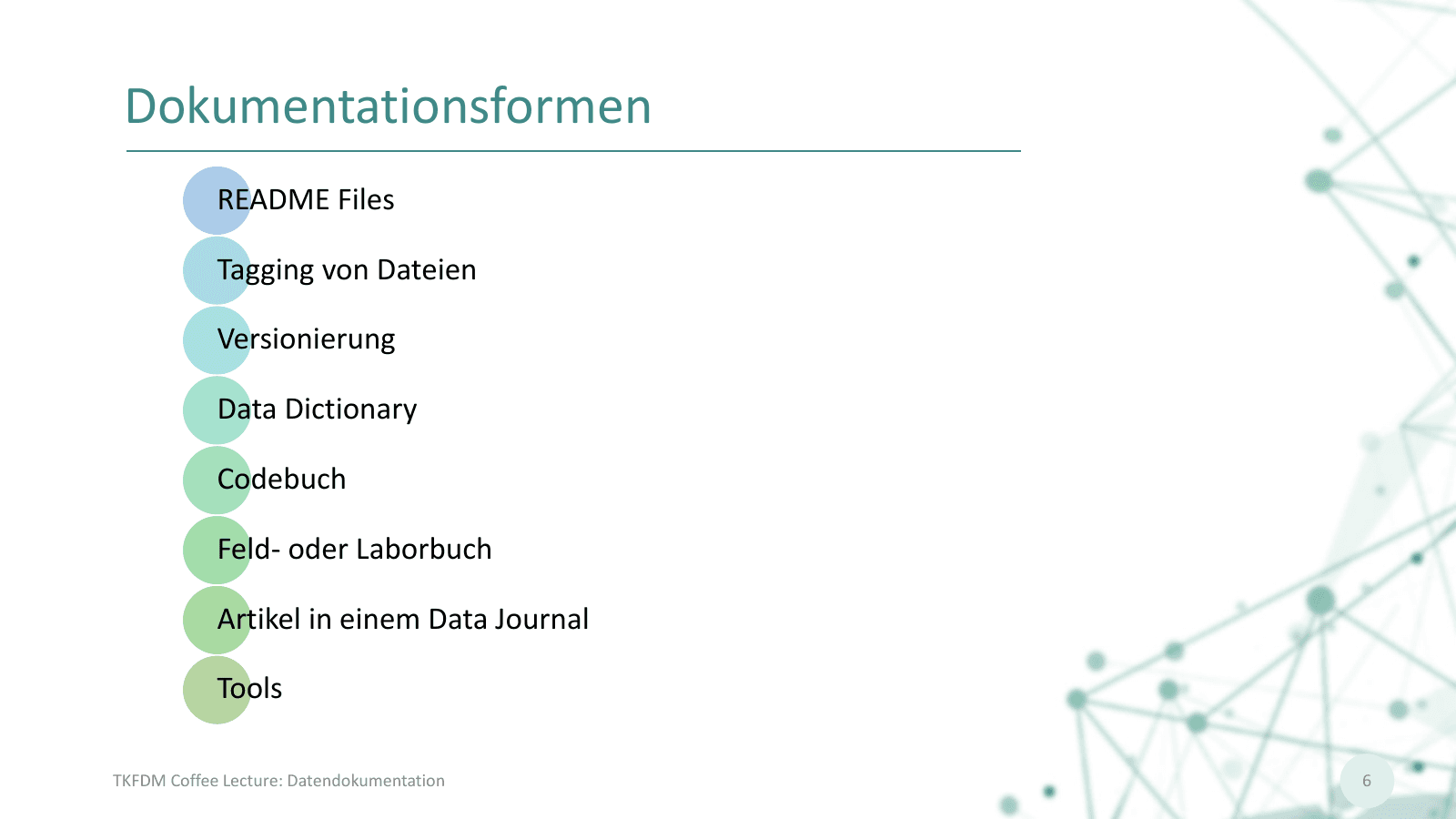
数据文档让研究资料更容易被找到、理解和重复使用。这一页围绕 FAIR 原则组织内容,强调元数据本身就是研究记录的一部分,而不是最后补上的附件。
Page explanations are only the start. UnderSlide keeps every review item connected to the source pages that support it.
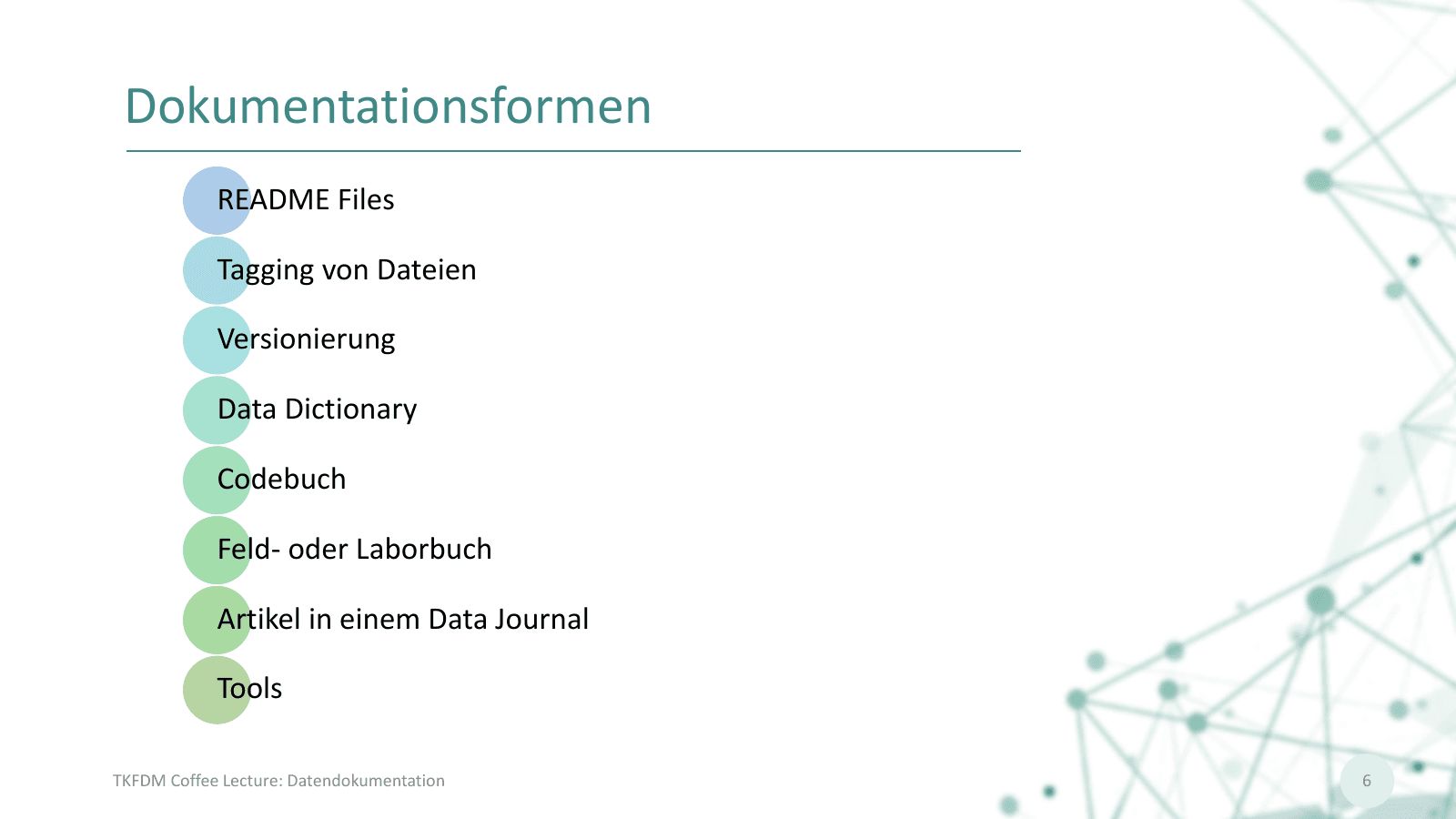 Dokumentationsformen
Add a private PDF or PPTX and choose the language you want to study in.
Open pages as they finish while the rest of the deck continues processing.
Read, annotate, edit, and ask questions about a page or the whole lecture.
Lecture files and generated study material are scoped to your account. UnderSlide does not publish user uploads or present itself as a university service.
No. UnderSlide explains the lecture material you upload. It is a study tool, not an AI presentation maker.
Yes. The first production formats are PDF and PPTX. Pages are rendered for visual explanation while the original file remains private.
Yes. Page questions stay connected to that slide so you can find the conversation again while reviewing the lecture.
No AI explanation is guaranteed perfect. UnderSlide keeps the source visible, applies validation and retry gates, and lets you edit or report a page.
Upload a PDF or PPTX. See each original slide beside an editable explanation in the language you understand best.
Upload your slides